
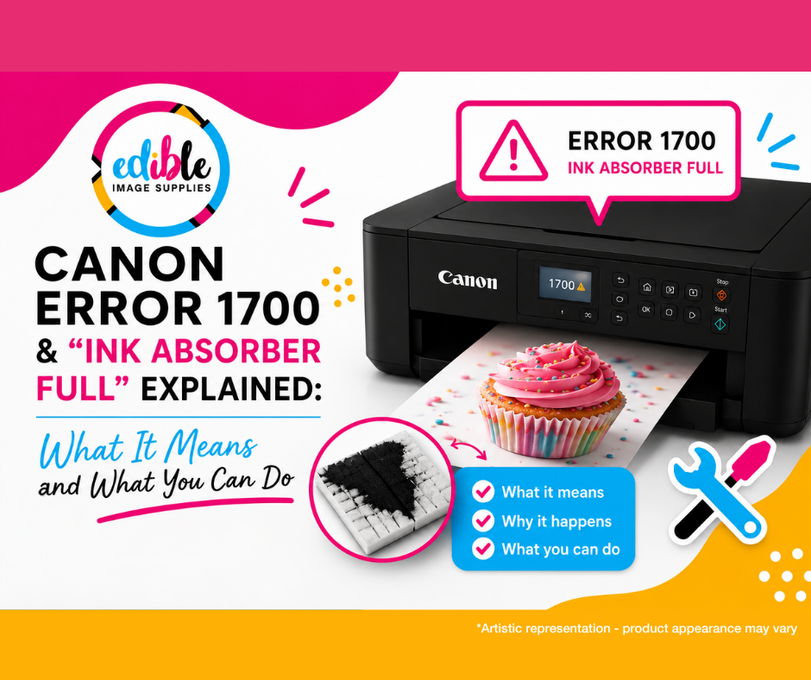
Canon Error 1700 & “Ink Absorber Full” Explained: What It Means For Your Edible ink Printer and What You Can Do
Posted by Tanya Montgomery on 3rd Jun 2026
If your Canon edible printing system is displaying Error 1700 or an “Ink Absorber Full” message, don’t panic - this is a common maintenance-related issue seen in many Canon inkjet printers over time.
In most cases, the edible ink printer is simply warning you that the internal waste-ink pads are nearing capacity.
Here’s what that means, why it happens, and what you may be able to do about it.
What Is the Ink Absorber in a Canon Edible Printer?
Canon printers contain small absorbent pads designed to collect excess ink generated during:
- print head cleaning cycles
- maintenance cleans
- startup procedures
- nozzle cleaning
These pads sit inside the printer beneath the cartridge assembly and gradually absorb waste ink over the life of the printer.
As the pads fill, the printer tracks estimated usage internally. Once a limit is reached, the printer may display:
- Canon Error 1700
- Ink Absorber Full
- Flashing light error sequences (depending on the printer model)
Why Does Canon Error 1700 Happen in Edible Printers?
This is usually the result of normal printer maintenance over time. However, edible printers can sometimes reach this point sooner due to:
- frequent cleaning cycles
- excessive deep cleans
- printers sitting unused for extended periods
- repeated troubleshooting cleans
- refilling cartridges while installed in the printer (NEVER DO THIS)
Every cleaning cycle pushes small amounts of edible ink into the absorber pads.
Can the Ink Absorber Pads Be Cleaned?
On many Canon edible printer models - yes.
Some users choose to remove and clean the absorber pads themselves to temporarily restore printer function.
Please note:
This process can be messy, involves handling waste edible ink, and may not be suitable for everyone.
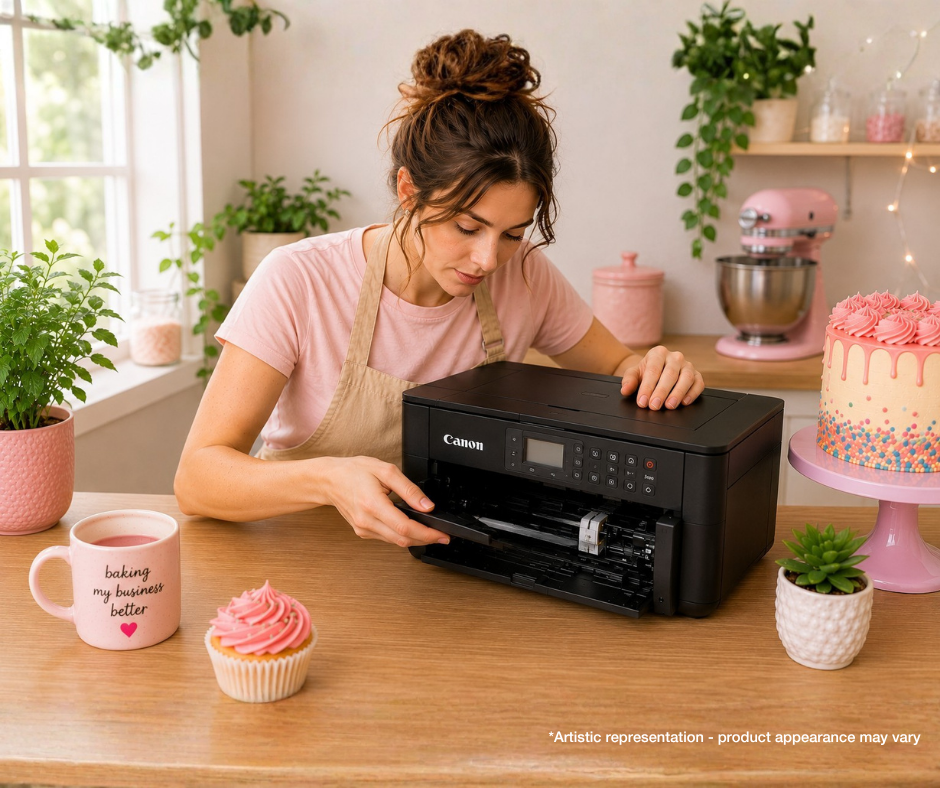
How to Clean Canon Edible Printer Ink Absorber Pads
What You’ll Need
- Rubber gloves
- Warm water
- Large bowl
- Paper towels
Step 1 – Disconnect the Printer
Open the printer cartridge compartment and allow the cartridge carriage to move across.
Once it has stopped moving:
- unplug the printer power cord
- leave the printer switched off
Step 2 – Locate the Ink Absorber Pads
Underneath the cartridge assembly, you should see a black rubber frame containing small sponge-like pads.
The exact location and number of pads will vary depending on your Canon edible printer model.
Step 3 – Remove the Pads
Carefully remove:
- the rubber frame
- the absorber pads
Be prepared - they may contain a significant amount of edible ink.
Step 4 – Clean the Pads
Place the pads into warm water.
Gently:
- squeeze
- rinse
- and repeat
until the water runs mostly clear.
You may need to replace the water several times during the process.
Step 5 – Dry Thoroughly
Squeeze out excess water and place the pads onto paper towels to dry completely.
This is extremely important.
Depending on conditions, drying may take:
- several hours
- or up to 24 hours
If the paper towels become saturated, replace them.
Step 6 – Reinstall the Pads
Once fully dry:
- place the pads back into the rubber frame
- reinstall the frame into the printer
Step 7 – Reset the Printer
To attempt a basic reset:
- Hold down the Power button
- Reconnect the power cord
- Wait for the printer to power on
- Release the button
- Wait five seconds
- Press the Power button again
This may reset the printer memory and clear the warning on some models.
Important Things to Know
Cleaning the pads does not always resolve the issue permanently
Some printers may still require:
- servicing
- a software reset
- or replacement parts
Error 1700 can indicate printer age/wear
While not always the case, this error is more commonly seen in printers nearing the end of their expected service life.
When to Consider Servicing or Replacing Your Canon Edible Printer
If you’re unable to clear the error after cleaning the absorber pads and performing the reset procedure, the printer may require professional servicing.
Before proceeding, we always recommend checking:
- the cost of the repair or service
- the age of the printer
- the general condition of the printer overall
In some cases, particularly with older edible printers, the cost of servicing may approach the value of replacing or upgrading the machine altogether.
For cake and cookie decorators, baking and sweets businesses relying on edible printing, upgrading to a newer model can sometimes be the more economical and reliable long-term option.
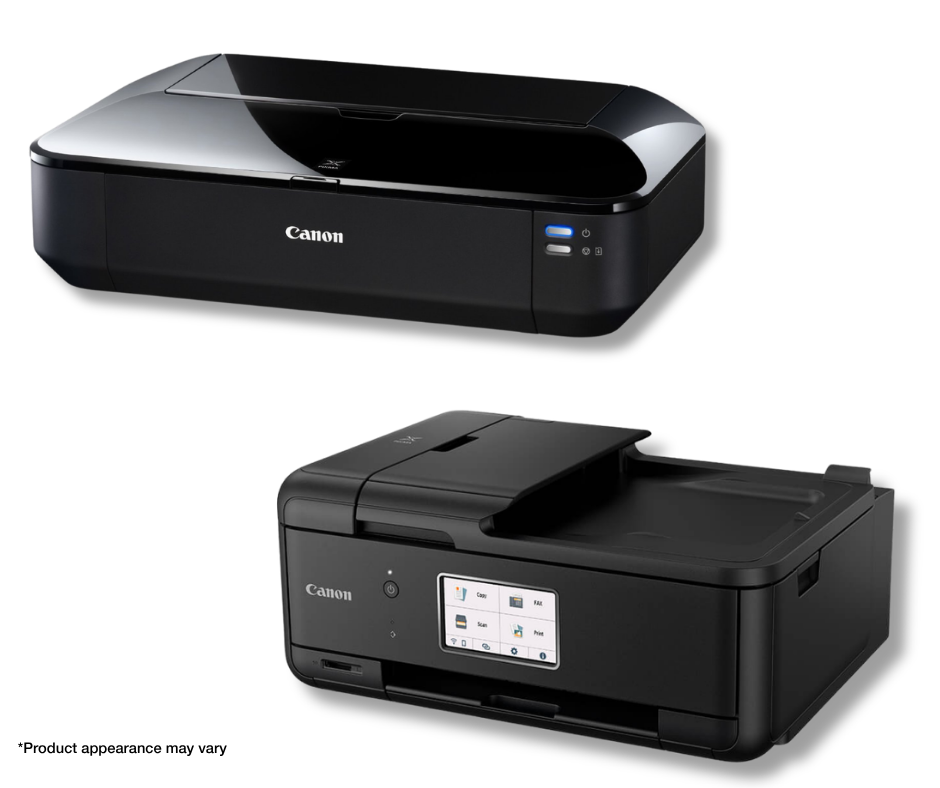
How to Reduce Ink Absorber Problems in Edible Printers
✔ Avoid excessive deep cleans
Deep cleaning cycles use large amounts of edible ink and rapidly fill the absorber pads.
✔ Print regularly
Regular use helps maintain edible ink flow naturally.
✔ Use quality edible inks
Reliable edible inks can help reduce clogging and unnecessary cleaning cycles.
✔ Avoid refilling cartridges while installed
This can sometimes contribute to excess internal edible ink contamination.
Final Thoughts
Canon Error 1700 and “Ink Absorber Full” warnings are common, edible printer maintenance issues that many Canon printers experience eventually.
While cleaning the absorber pads can sometimes help extend the life of your edible printer, repeated warnings may indicate the printer is reaching the later stages of its lifespan.
As always, if you need assistance with edible printer troubleshooting, our team is here to help.
